Dashboard metrics
The dashboard provides a quick operational summary. It is designed for daily triage; use Analytics reports for selectable periods, charts, and comparisons.
Customer dashboard
Section titled “Customer dashboard”Customers see ticket activity that they are allowed to access, including:
- Open Tickets: customer tickets created in the last 30 days whose latest customer-visible status is open.
- Pending Tickets: customer tickets created in the last 30 days whose latest customer-visible status is pending.
- Solved Tickets: customer tickets created in the last 30 days whose latest status is solved.
Customer-facing ticket statuses can be simplified compared with the internal staff workflow.
The customer dashboard is not pictured here because a current customer-view screenshot is not yet available.
Agent dashboard
Section titled “Agent dashboard”Agents see metrics scoped to tickets currently assigned to them:
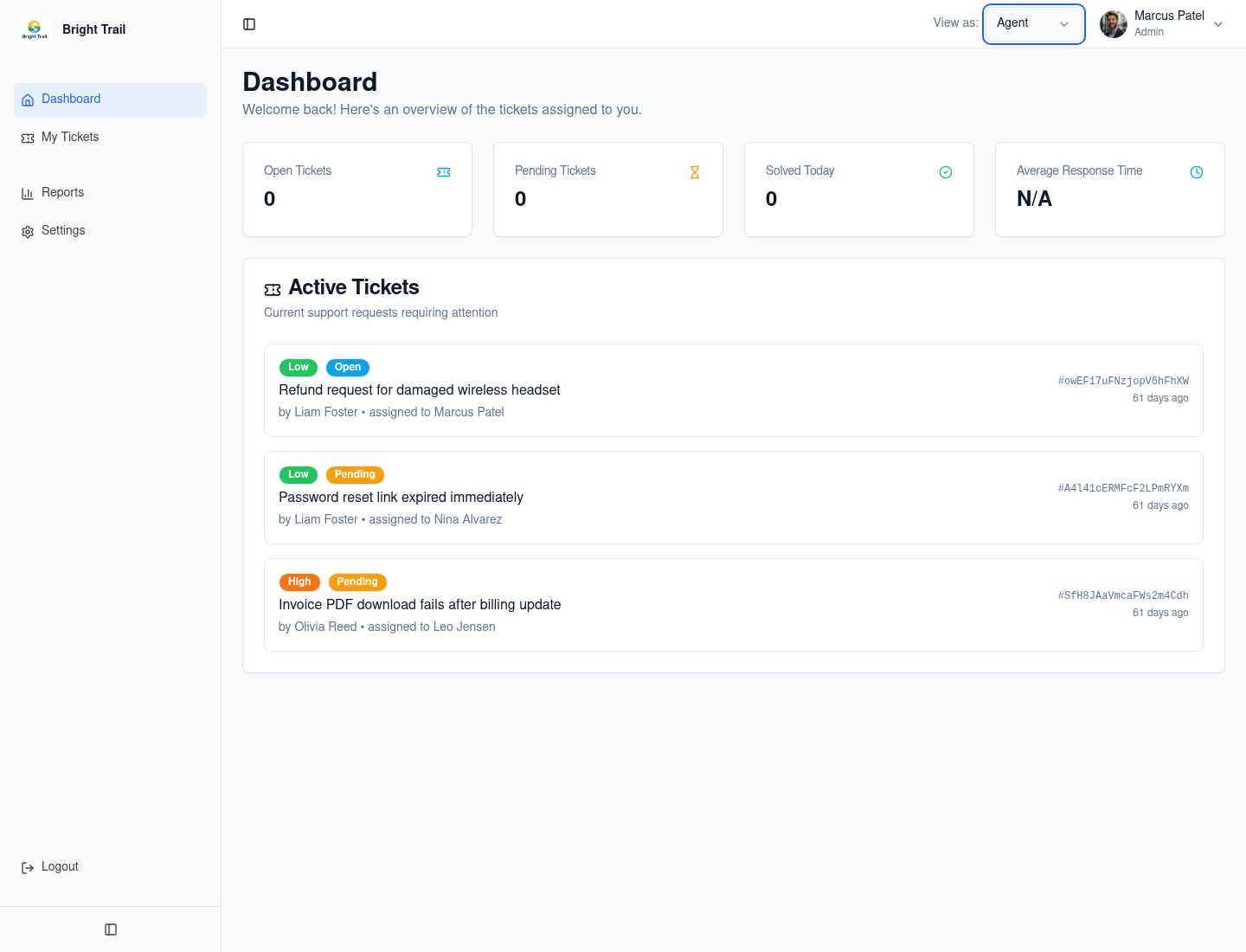
- Open Tickets: assigned tickets created in the last 30 days whose latest status is open.
- Pending Tickets: assigned tickets created in the last 30 days whose latest status is pending.
- Solved Today: currently assigned solved tickets created in the last 60 days and updated within roughly the last day.
- Average Response Time: the average of the ticket-level average reply times for currently assigned tickets created in the last 30 days and updated within roughly the last day.
“Solved Today” is a recent-update approximation. It does not prove that the current assignee personally solved the ticket or that the most recent update was the solve action.
Admin dashboard
Section titled “Admin dashboard”Admins see tenant-level summaries:
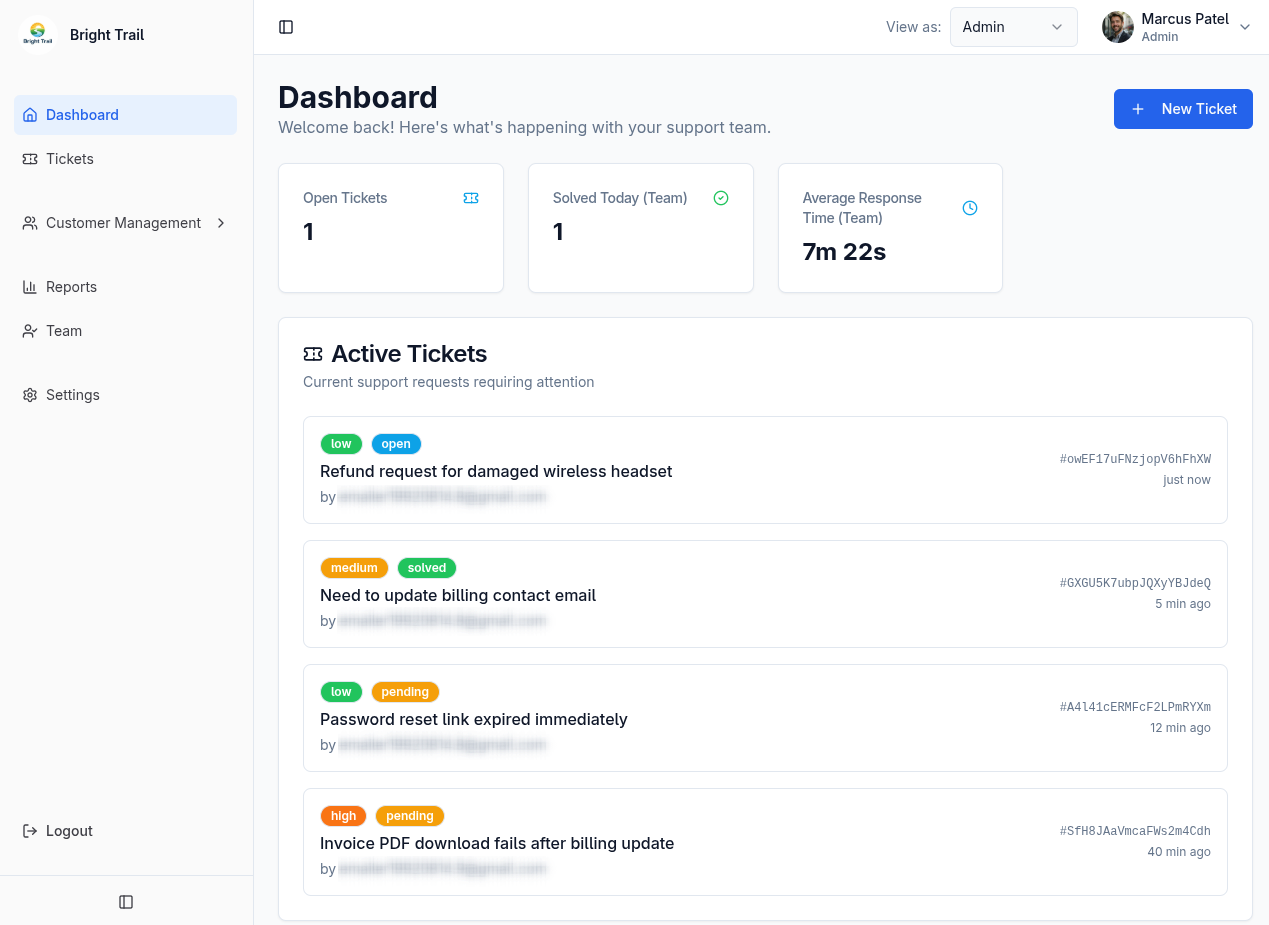
- Open Tickets: team tickets created in the last 60 days whose latest status is open.
- Solved Today (Team): solved tickets created in the last 60 days and updated within roughly the last day.
- Average Response Time (Team): the average of ticket-level average reply times for tickets created in the last 30 days and updated within roughly the last day.
These values represent current ticket state and recent updates. They are not an audit log of who performed each action.
Reading response time
Section titled “Reading response time”Response time measures completed waits between customer-message blocks and the first following external agent or admin reply. Internal notes and unanswered customer messages do not contribute a completed reply interval.
If no qualifying reply time is available, the dashboard displays N/A. See Metric definitions for calculation examples and assignment rules.