Create a ticket
Customers can create a ticket from My Tickets > New Ticket.
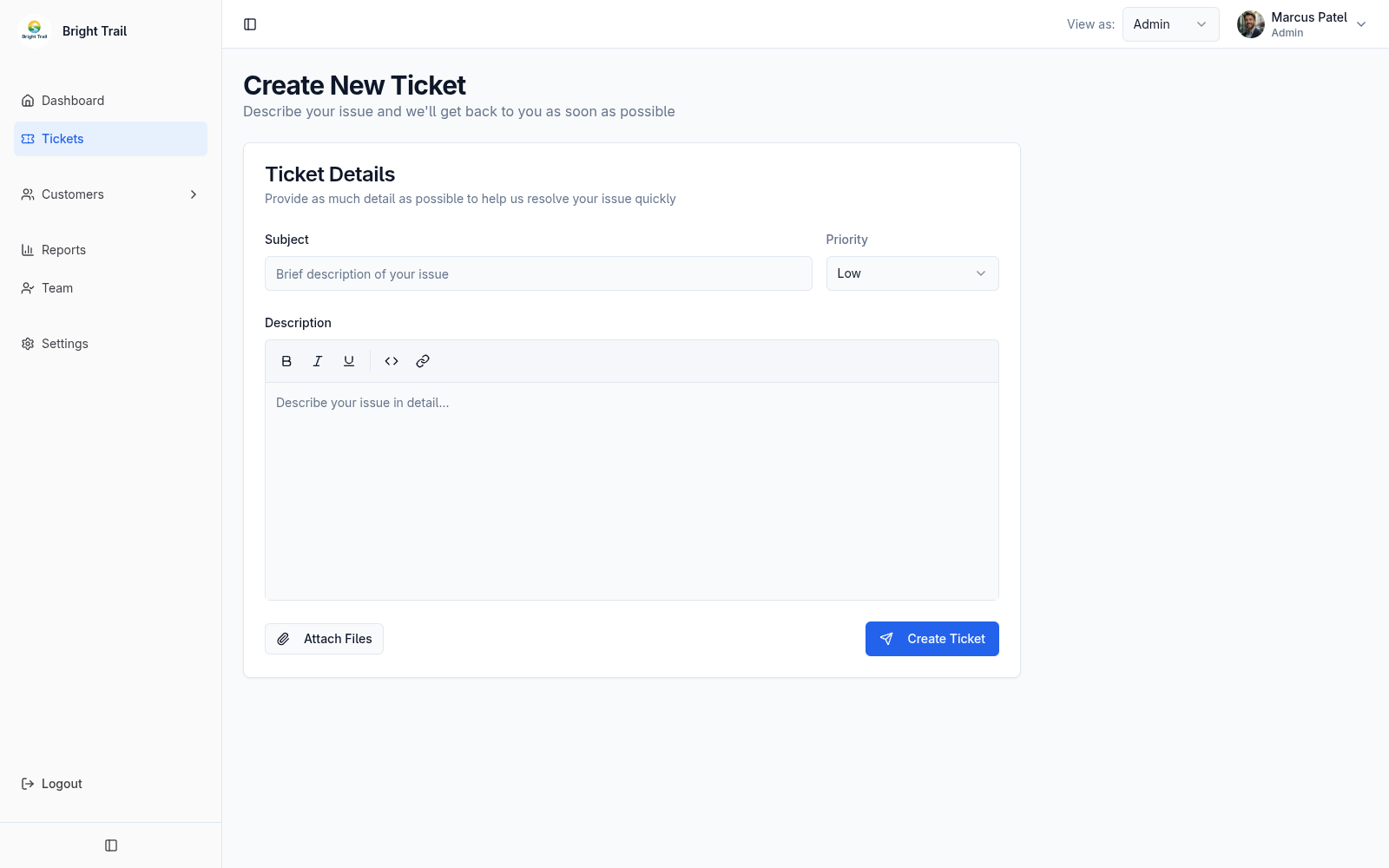
The ticket form includes:
- Subject.
- Priority.
- Description.
- Rich text.
- Inline images.
- File attachments.
Subject and description are required.
Upload behavior
Section titled “Upload behavior”If files or images are still uploading, Muninx waits before submitting.
If an attachment upload fails, remove the failed attachment or upload it again.
If a customer starts a ticket and tries to leave before submitting, Muninx warns that unsaved changes may be lost.
After the ticket is created, Muninx opens the created ticket when possible.